> For the complete documentation index, see [llms.txt](https://docs.flatqube.io/llms.txt). Markdown versions of documentation pages are available by appending `.md` to page URLs; this page is available as [Markdown](https://docs.flatqube.io/use/farming/old-farming/how-to/withdraw-farm-tokens.md).
# Withdraw farm tokens
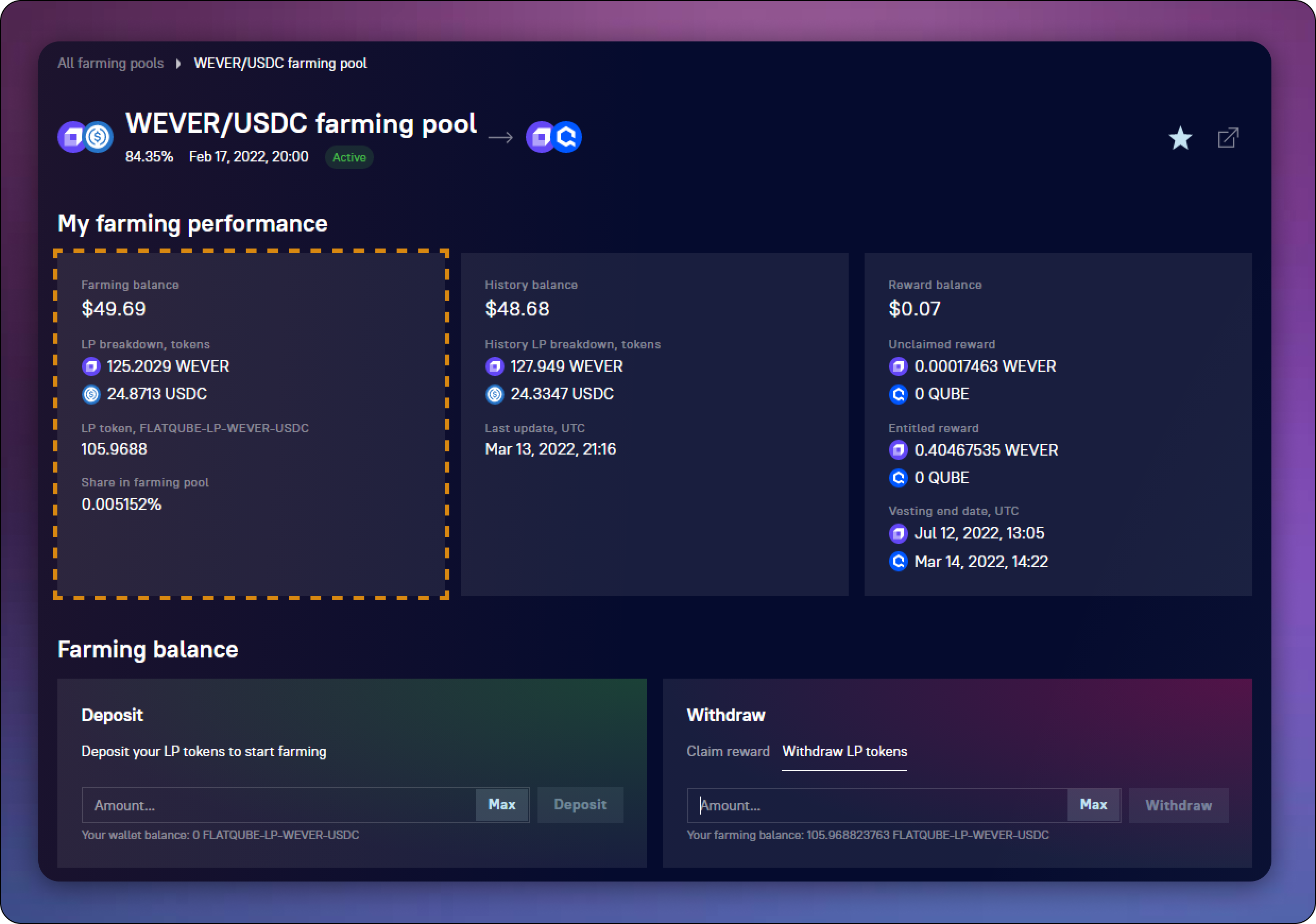
In order to withdraw your farming LP tokens from the farming pool, go to the [**farming page**](/use/farming/old-farming/interface/farm-page-user.md) of the required [**pool**](/use/farming/old-farming/interface/farming-pools.md)**.**\
The total number of your locked farming tokens in this pool and their dollar equivalent are displayed in the **Farming balance block**.
## How to withdraw farming tokens
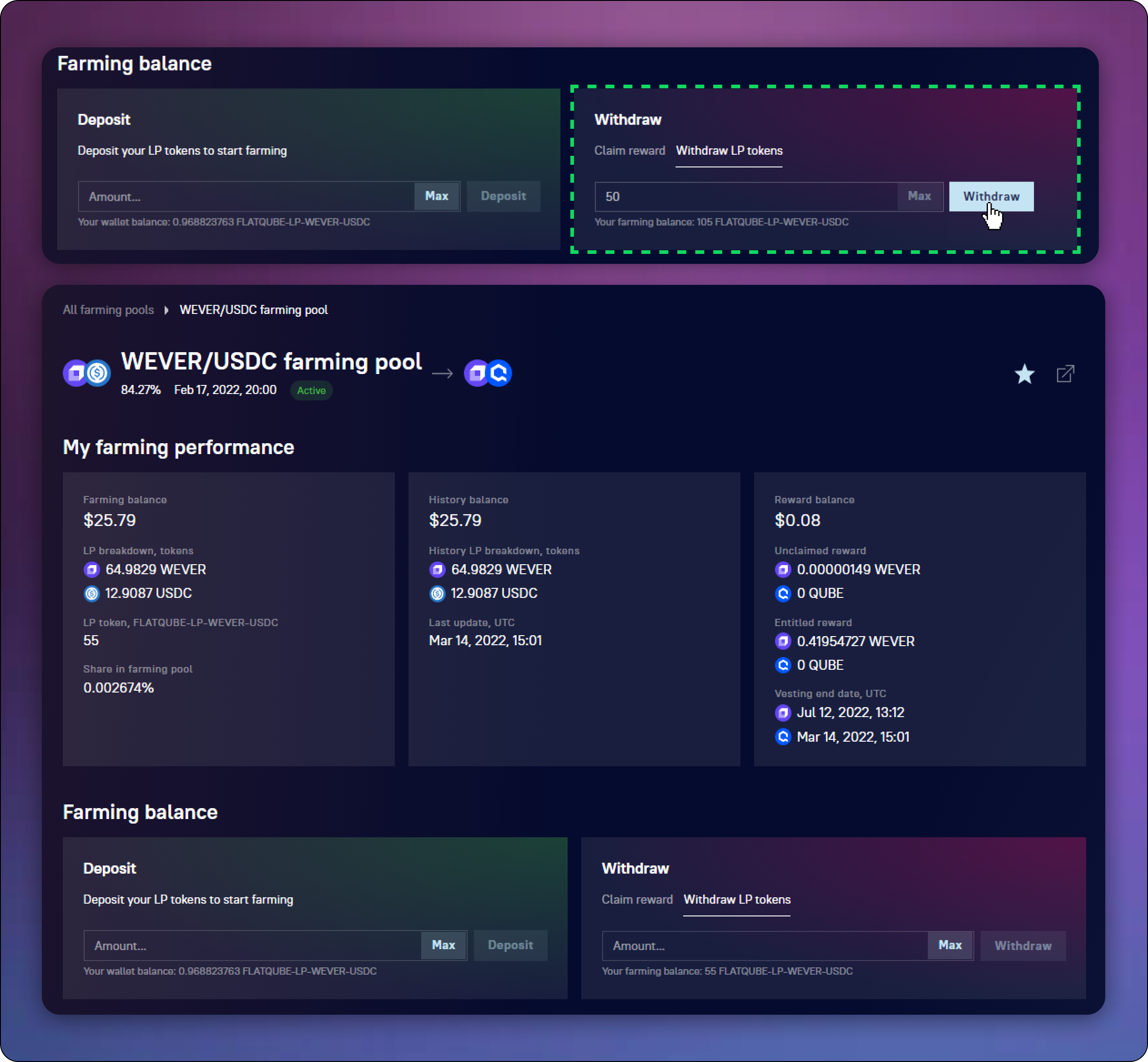
In the **Withdraw block**, select **Withdraw LP tokens**.
Enter the amount of farming tokens you want to withdraw and click **Withdraw**.
After **confirming** the transaction in your EVER Wallet, please wait a bit. After completing the transaction, you will see that your Farming balance has changed - LP tokens have been successfully withdrawn and are stored on your DEX account balance.