# Claim reward
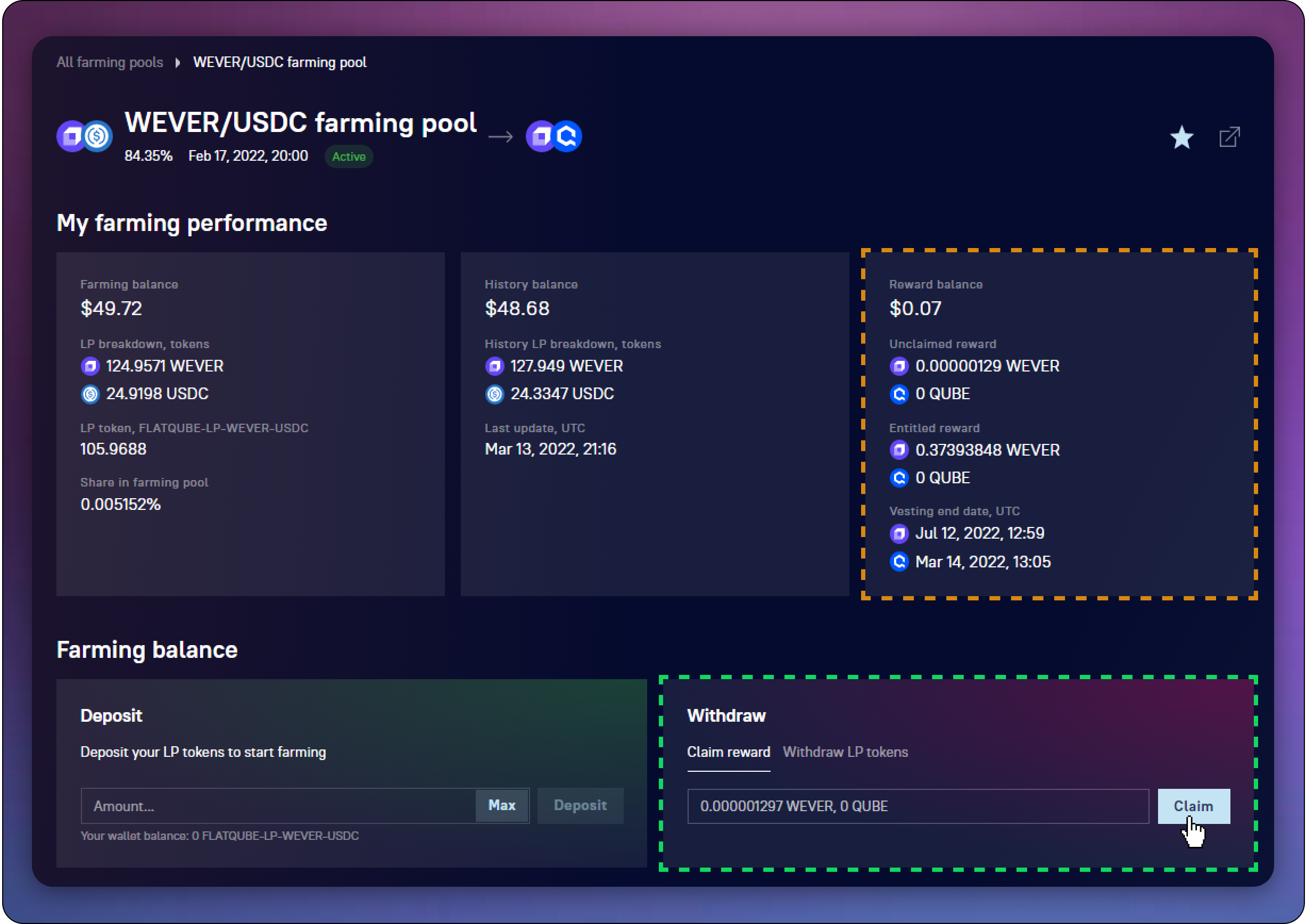
As you go through [**vesting**](../../concepts/vesting), your **Entitled reward** is gradually unlocked from the **Unclaimed reward**, from where it can be withdrawn from your Dex account balance at any time.
The amount of Unclaimed tokens can be seen in the [**Reward balance block**](../interface/farm-page-user/farming-perfomance-and-balances) on the [**farming pool page.**](../interface/farm-page-user)\
You can withdraw these tokens to your Dex account balance on the same page in the **Farming balance block**.
### How to claim your reward
Сlick **Claim** and confirm the transaction in your EVER Wallet.\
In this case, all Unclaimed tokens will be withdrawn.
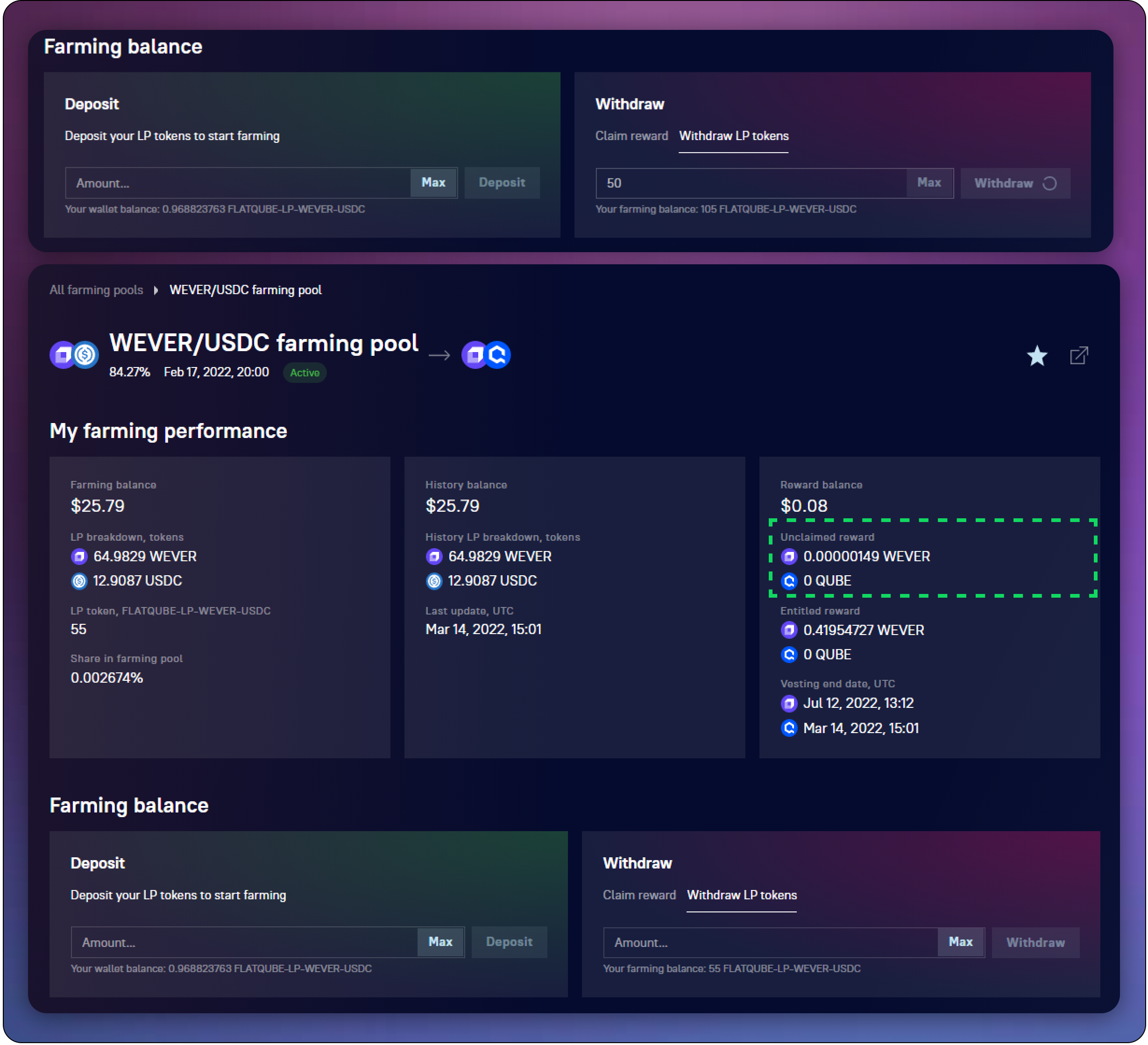
Upon completion of the transaction, you will see that the **Unclaimed reward balance** will be reset, and the reward will be credited to the Dex account balance.